Knowledge tools were much simpler back in 2012. You chucked information into Evernote, tagged it, and used the search function to surface it later. It worked until it didn’t — notes piled up, tags became meaningless, and the whole thing turned into a digital landfill.
Around COVID, personal knowledge management (PKM) had a moment. Apps like Roam Research popularised backlinks — the idea that notes should connect to each other like a personal Wikipedia rather than sit in isolated folders. I went deep down that rabbit hole: Notion, Roam, Capacities, Logseq, Mem.ai. I even gave Trello a go on one particularly dark day.
Nothing stuck. Every system worked beautifully for about three weeks and then collapsed under the weight of maintenance.
The first breakthrough: Obsidian + NotebookLM
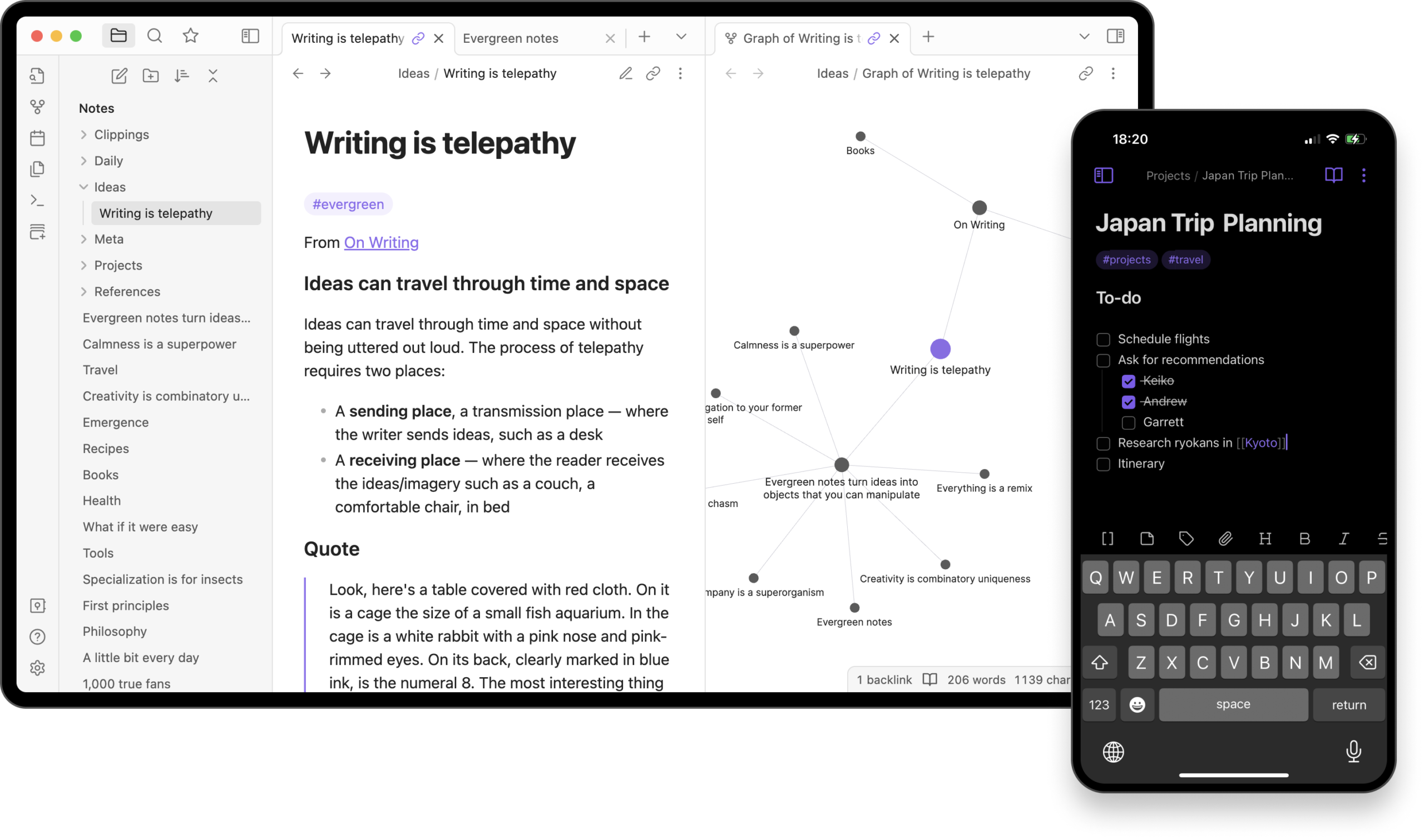
A breakthrough came with Obsidian. For many people, the appeal of the markdown app is its simplicity — it’s a fancy text editor with multiple panes and more plug-ins than you’ll ever actually use. But the real reason it stuck for me is less glamorous: your notes are just files. Markdown files, sitting on your machine, owned by you. No proprietary format, no subscription fee to access your own thinking.
The combination with NotebookLM changed how I worked entirely. In my former PR role at a tech consultancy, I used Obsidian to store comments from the company’s tech leaders — short reactive pieces written in response to breaking news, the kind you’d pitch to journalists for coverage. Loading 300 of those into NotebookLM meant I could ask it things like: a ransomware story just broke — who’s commented on this before and what did they say? Instead of digging through folders, I had an answer in seconds.
It was the first time a knowledgebase had actually saved me time rather than cost it.
The combination I’d always actually wanted
The remaining problem was getting knowledge into the system. It was still manual, still slow, still something I’d put off.
Claude Cowork fixes that entirely. Think of it like vibe coding, but for a knowledgebase. Instead of manually creating folders, naming files and maintaining structure, you just chat with Claude and it handles everything — because you’ve connected the two tools directly.
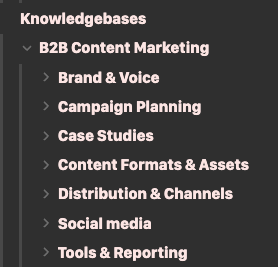
Now when I come across something worth keeping — a LinkedIn post, an article, a company I want to track — I paste it into Claude and ask it to file it. Claude decides what the folder should be called, creates it if it doesn’t exist, names the note, generates backlinks to related notes, and updates the index. I never go into Obsidian to manually rename or reorganise anything.
The result is a knowledgebase that grows as you feed it, built entirely from material you’ve chosen:
- Vetted content you’ve selected — not hallucinated training data
- Stored locally as
.mdfiles, ready for NotebookLM at any time - Automatically tagged, backlinked and indexed
- Builds out pages on companies, people and topics as you go
How to set it up
It takes about 20 minutes. Here’s the process:
- Download Obsidian and create a new vault — call it something like “AI Knowledge Base” to keep it separate from any personal notes vault you might already have.
- Download the Claude desktop app and sign up for Claude Pro (£18/month). The Cowork feature — which gives Claude access to your file system — requires a Pro subscription.
- In Claude, ask it to connect to your AI Knowledge Base folder. You can point it at a specific subfolder or the root of your Obsidian vault. From that point on, Claude can read, create and organise files inside it.
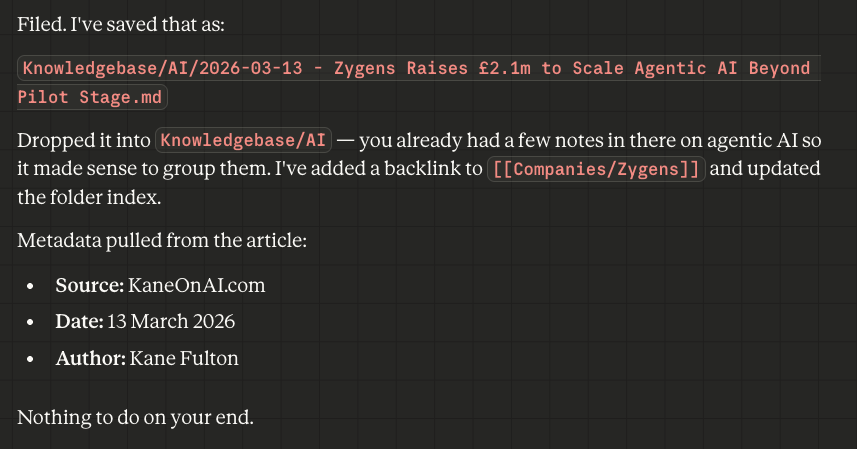
That’s the setup done. From here, the system builds itself. Paste in a LinkedIn post and Claude will create a relevant folder, file the note with a sensible title, and link it to anything related already in your vault. You don’t direct it — it makes the call.
Here’s what it looks like in Claude Cowork:
A few things worth knowing as you get started
- The Obsidian Note Clipper browser extension is worth installing early. When you clip articles from the web, it pulls in the metadata — publication date, source, author — and embeds it in the markdown file. Everything ends up ordered chronologically without you having to think about it.
- The Dataview plugin lets you run queries across your vault — find all notes on a particular topic, list everything added in the last week, surface articles by a specific author. Claude can write these queries for you.
- Index files are generated automatically. Ask Claude to create one for any folder and it’ll produce a navigable contents page that updates as the vault grows.
It’s a genuinely hands-off way to build something useful over time. The knowledge is yours, the files are local, and the system gets more valuable the more you feed it.